
Node.js: How JavaScript Escaped the Browser and Why That Matters
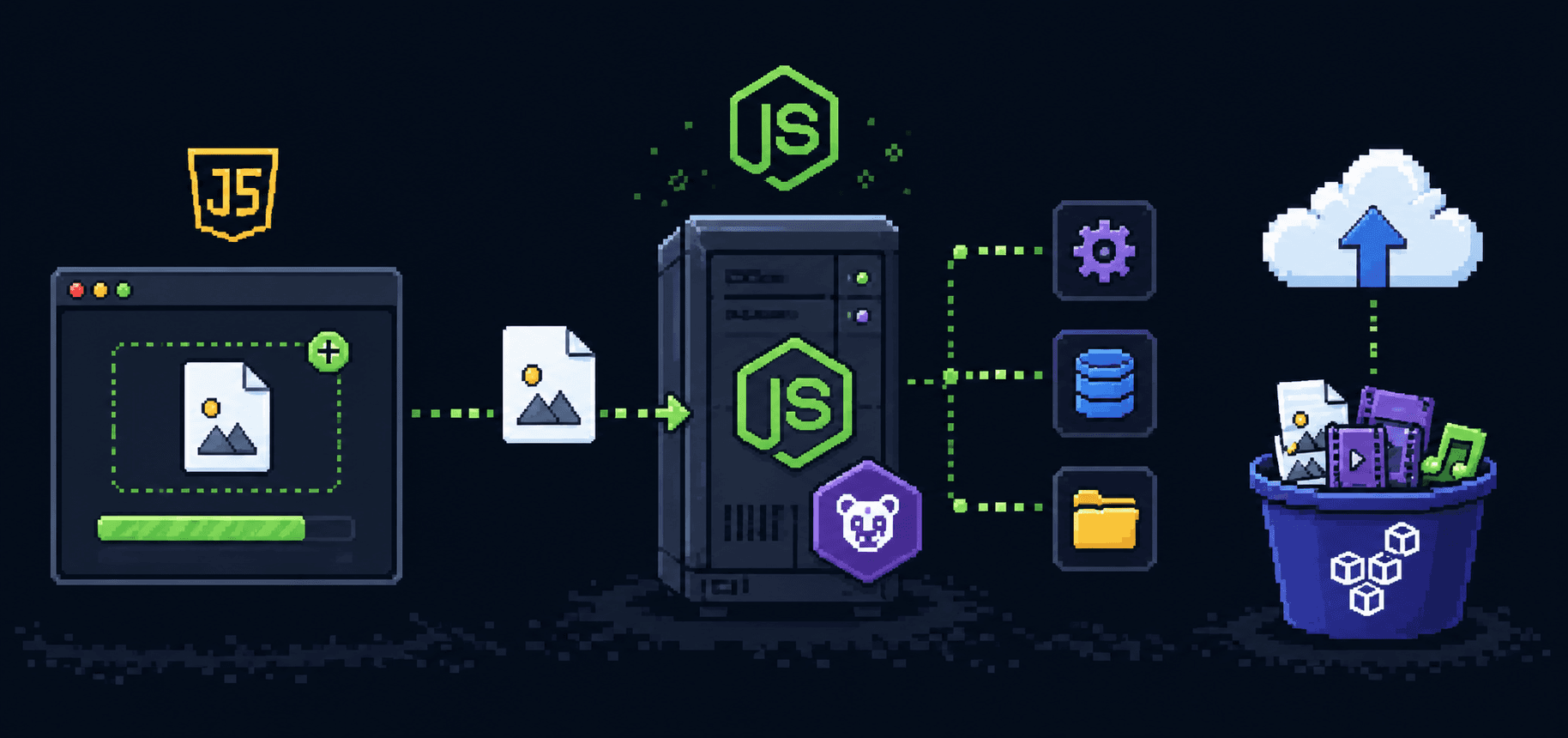
For years, JavaScript lived inside the browser and nowhere else. You could make buttons change color, validate a form before it was submitted, maybe animate a dropdown menu. That was it. If you wanted to build the actual backend of a website, the part that talks to databases and handles logins and serves pages, you had to learn a completely different language. PHP, Java, Python, Ruby. Pick one, learn it alongside JavaScript, and maintain two mental models for one project.
I remember the first time someone told me I could write server-side code in JavaScript. My reaction was something like "wait, that does not sound right." JavaScript was the language that ran inside Chrome. How would it read files from a hard drive? How would it listen for HTTP requests? It did not have access to any of that. The browser would never let it.
They were talking about Node.js.
Why JavaScript could not run outside the browser
This confused me until I understood what JavaScript actually is versus what runs it.
JavaScript the language is just a specification. It defines syntax, data types, how loops work, how functions behave. It does not say anything about the DOM, or window, or document.getElementById. Those are APIs that the browser provides. The browser says "here, JavaScript, I will give you access to this object called document and you can use it to manipulate the page." JavaScript itself has no idea what a webpage is.
The thing that executes JavaScript code is called a runtime. In a browser, the runtime is the browser itself, specifically a JavaScript engine embedded inside it. Chrome uses an engine called V8. Firefox uses SpiderMonkey. Safari uses JavaScriptCore. Each one reads your JavaScript, compiles it into machine code, and runs it. But they also provide browser-specific APIs like fetch, localStorage, and setTimeout that let your code interact with the browser environment.
So JavaScript was not really trapped in the browser. The engines that ran it were trapped in the browser. The language itself was perfectly general. Someone just had to take one of those engines out of the browser and give it a different set of APIs.

That someone was Ryan Dahl, and the thing he built in 2009 was Node.js.
What Node.js actually is
Node.js took Chrome's V8 engine, pulled it out of the browser, and wrapped it with APIs for things that servers need. File system access. Network sockets. HTTP request handling. Process management. Child processes. Streams. Buffers for raw binary data. All the things the browser would never let JavaScript touch.
So when you write JavaScript in Node.js, the core language is identical. Variables, functions, arrays, objects, promises, async/await, all the same. What changes is what is available around the language. There is no document. There is no window. There is no DOM. Instead you get fs for reading and writing files, http for building web servers, path for working with file paths, and process for interacting with the operating system.
// This runs in Node.js, not in a browser
const fs = require('fs');
const http = require('http');

// read a file from the hard drive
const data = fs.readFileSync('config.json', 'utf-8');
console.log(data);

// start an HTTP server that listens on port 3000
const server = http.createServer((req, res) => {
  res.writeHead(200, { 'Content-Type': 'text/plain' });
  res.end('Hello from Node.js');
});

server.listen(3000, () => {
  console.log('Server running at http://localhost:3000');
});
Try running fs.readFileSync in a browser console. You get an error. The browser has no idea what fs is. Try running document.querySelector in Node.js. Same thing, other direction. Same language, different environment.
// browser console
> fs.readFileSync('test.txt')
  Uncaught ReferenceError: fs is not defined

// node repl
> document.querySelector('div')
  ReferenceError: document is not defined
V8 under the hood
You do not need to know how V8 works internally to use Node.js. But knowing the basics helps when people throw around terms like "JIT compilation" or "single-threaded" and expect you to nod along.
V8 compiles JavaScript to machine code. Older JavaScript engines used to interpret code line by line, which was slow. V8 compiles it first, which makes execution much faster. It also uses something called Just-In-Time (JIT) compilation, where it watches which parts of your code run frequently and optimizes those sections further while the program is already running.
The part that matters practically: V8 is fast. Not fast for a scripting language, just fast. This is a big reason Node.js took off. Before V8, running JavaScript outside the browser would have been painfully slow for server workloads. V8 made it competitive with languages that had been doing backend work for decades.
The event loop and why Node.js handles requests differently
This is the concept that made Node.js click for me, and also the one that confused me the longest.
Traditional backend runtimes like PHP or Java (with thread-per-request models) handle each incoming request by assigning it a thread. A thread is like a worker. One request comes in, one worker picks it up, does everything the request needs (database query, file read, external API call), and sends the response. If 1000 requests come in at once, you need close to 1000 threads. Each thread uses memory. Each one sits around waiting when it hits a database query that takes 200ms to come back. A lot of resources spent on waiting.
Node.js uses a single thread with an event loop. One worker handles all incoming requests. When that worker hits something slow, like a database query, it does not wait. It says "let me know when the result comes back" and moves on to handle the next request. When the database responds, a callback fires and the worker picks up where it left off.

// request comes in -> wait for database -> wait -> wait -> respond

// Node does this:
// request comes in -> ask database -> move to next request
// database responds -> pick up first request -> respond

const http = require('http');

const server = http.createServer((req, res) => {
  // simulate a database call that takes 2 seconds
  setTimeout(() => {
    res.end('Data from database');
  }, 2000);
  // Node does NOT freeze here for 2 seconds
  // it goes and handles other requests while waiting
});

server.listen(3000);
The tradeoff is real though. If you write code that does heavy computation directly on that single thread, like crunching numbers in a loop for 5 seconds, nothing else runs during that time. Every other request waits. Node.js is excellent at I/O-heavy work (database queries, API calls, file reads) where the program spends most of its time waiting for external things. It is not the best choice for CPU-heavy work like image processing or complex math, unless you offload that to worker threads or separate services.
How Node.js compares to PHP and Java
When I was deciding what to learn for backend, I kept reading comparisons that were more tribal allegiance than actual explanation. Here is what actually differs.
PHP traditionally runs one process per request. A request comes in, PHP starts up, runs the script, sends the response, and the process dies. The next request starts fresh. This is simple and means one request cannot easily corrupt another, but it also means there is overhead in starting up for every single request. Newer PHP (with tools like Swoole or FrankenPHP) can keep processes alive, but the traditional model is request-and-die.
Java with something like Spring Boot runs a multi-threaded server. Each request gets a thread from a thread pool. This handles concurrency well but threads have memory overhead, and context switching between many threads has a cost. Java is fast and battle-tested for large enterprise systems, but it takes more boilerplate code to get a simple server running.
Node.js sits in a different spot. One thread, non-blocking I/O, the event loop. Less memory per connection than a thread-per-request model. The cost is that your code has to be written in an asynchronous style, and CPU-heavy tasks need special handling.
The reason a lot of JavaScript developers picked Node.js over learning PHP or Java is straightforward: they already knew the language. One language for the frontend and the backend. One set of syntax rules to remember. Shared code between browser and server when it made sense. Shared tooling (npm, ESLint, Prettier). For small teams and startups building web apps, that was a real productivity win.
Where Node.js gets used in practice
Node.js runs the backend for a lot of companies you have probably used. Netflix moved parts of their stack to Node.js and reported faster startup times. LinkedIn rebuilt their mobile backend in Node.js and reduced their server count. PayPal rewrote parts of their Java backend in Node.js and saw pages render faster.
But the practical everyday uses are more grounded than big company case studies. These are the places where Node.js shows up most often.
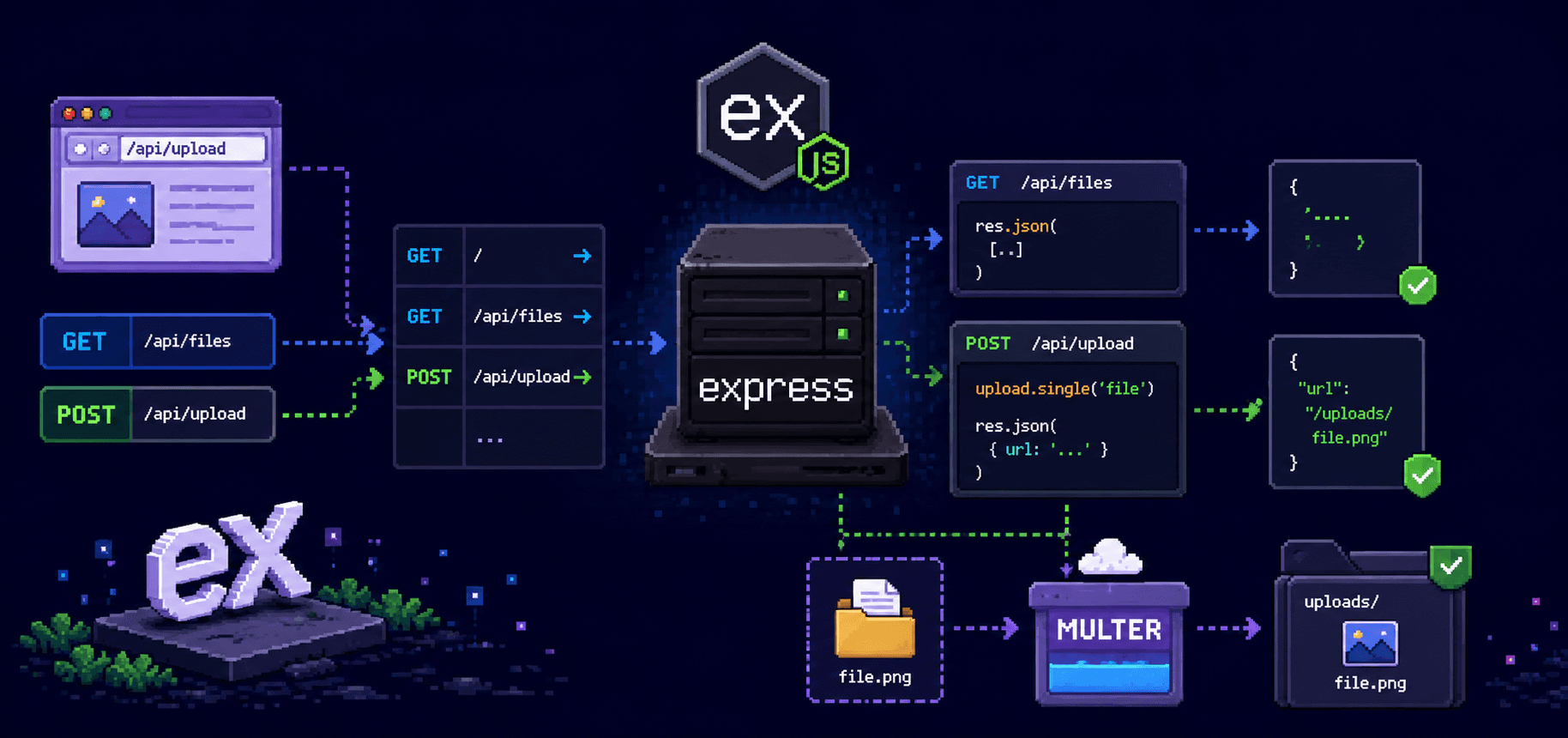
REST APIs and GraphQL servers. If you are building a web or mobile app that needs a backend to handle data, Node.js with Express or Fastify is one of the most common setups. Lightweight, quick to build, handles many concurrent connections well.
Real-time applications. Chat apps, live notifications, collaborative editors, multiplayer game servers. The event loop and WebSocket support make Node.js a natural fit for anything where the server needs to push data to clients without them asking for it.
Command-line tools. npm itself is written in Node.js. So are tools like ESLint, Prettier, Webpack, and Vite. If you have installed anything with npm install -g, you have been running Node.js programs on your machine.
Build tooling and automation. Task runners, bundlers, dev servers, testing frameworks. The JavaScript ecosystem's entire build pipeline runs on Node.js.
Server-side rendering. Frameworks like Next.js run on Node.js to render React pages on the server before sending them to the browser. This is how a lot of modern websites ship fast initial page loads.
// A simple REST API endpoint using Express
const express = require('express');
const app = express();

app.use(express.json());

const users = [];

app.get('/users', (req, res) => {
  res.json(users);
});

app.post('/users', (req, res) => {
  const user = { id: users.length + 1, name: req.body.name };
  users.push(user);
  res.status(201).json(user);
});

app.listen(3000, () => {
  console.log('API running on http://localhost:3000');
});
That is a working API. Fourteen lines of actual logic. In Java with Spring Boot, the equivalent setup involves annotations, dependency injection configuration, a controller class, and a build file. Both approaches are valid, but one of them gets you to a working prototype in two minutes.
What to take away from this
Node.js is V8 plus system-level APIs, packaged as a runtime that lets JavaScript run outside the browser. The language is the same. The environment is different. The event loop makes it handle concurrent I/O well, but CPU-heavy work needs a different approach.
You do not need to understand V8 internals or event loop phases to start building things. Write a small Express server. Hit it with a few requests. Read files from disk. Connect to a database. The concepts land faster when you have running code in front of you than when you are reading about them.
In the next post we will set up a Node.js project from scratch and dig into how require, module.exports, and the module system actually work. That is where the real building starts.
References
Node.js official documentation - start with the "Getting Started" guides
V8 JavaScript engine - Chrome's JS engine that powers Node.js
MDN: JavaScript runtime - good explanation of engines vs runtimes
Node.js event loop explained - the official guide to how the event loop works
Express.js - the most popular Node.js web framework for beginners
Fireship: Node.js in 100 Seconds - quick visual overview, worth watching before going further